How Parents and Teachers Make Kids’ Story Videos with a Free Animation Generator
 Jyntharion Vorkal
A bedtime story that moves, a spelling lesson with characters, or a class project that finally comes to life can give children something memorable to watch and retell. Many parents and teachers assume animation requires specialist software and a large budget. This guide explains a simple, low-cost workflow for making short kids’ story videos, from shaping the script to reviewing every scene for clarity and child safety.
What Do You Need to Make a Kids’ Story Video for Free?
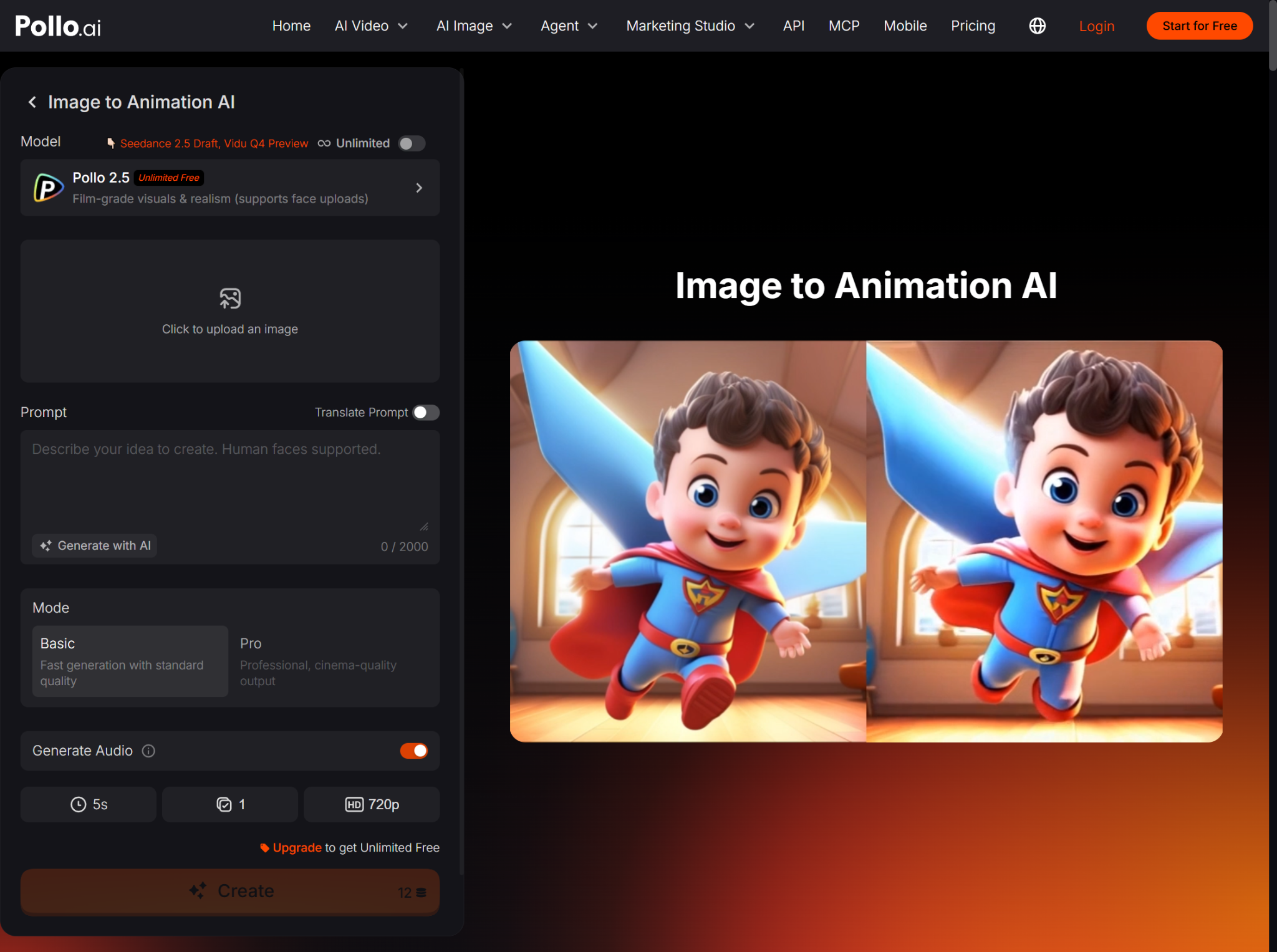
You need a very short story, a few simple character images and an adult who controls the generation process. A practical way to begin is to bring a short story to life with a free animation generator before investing in advanced editing or longer scenes.
How Do You Make a Kids’ Story Video Step by Step?
Write the scenes, approve one character design, animate one action at a time and add narration only after the visual sequence works.
How Do You Keep Characters Consistent in an Animated Story?
Keep every prompt visual, specific and limited to one main action.
How much should happen in one scene?
One subject and one action are usually enough for a short scene.
Name the character, action, setting and camera movement in that order: ‘A small blue robot waters a sunflower in a sunny garden; medium shot; slow camera push.’ This structure is easier to review than a long paragraph of plot details.
How do you keep the character recognisable?
Reuse the same approved reference image and repeat the character’s key visual details.
Keep the clothing colours, hairstyle, size and signature object stable. Change the pose or setting one at a time. When a new clip no longer resembles the reference drawing, regenerate that scene before creating the next one.
How do you match the story to the child’s age?
Use familiar actions and shorter sentences for younger viewers, then add choices and consequences for older children.
Preschool stories can repeat an object or phrase. Primary-age stories can include a simple problem and solution. Older children can help write dialogue, compare two endings or explain why a character made a decision.
How Can Teachers Use Animated Story Videos in Class?
A short animated story can support bedtime routines, vocabulary practice, class projects and show-and-tell activities.
|
Use |
Example |
Tip |
|
Bedtime story |
A four-scene tale about a sleepy dragon |
Keep colours soft and the story short |
|
Vocabulary lesson |
Characters act out one new word per scene |
Pause after each clip and ask children to retell it |
|
Class project |
Students write the scenes, the teacher generates the clips |
Share the writing, keep the tool with the adult |
|
Show and tell |
A child’s drawing comes alive |
Display the drawing next to the video |
How Do You Keep AI-Generated Kids’ Videos Child-Safe?
Adults should run the tool, and children should contribute ideas and drawings. Five habits help:
What Are the Limits of a Free Animation Generator?
Use free generations to test the story and expect limitations such as watermarked output.
Pollo AI states that users can try the animation generator for free and that free-plan videos include a watermark. Credit costs and plan allowances can change, so check the current generation screen before promising a particular number of scenes. Build the rough story first, then decide whether a paid export is necessary for wider sharing.
How Can You Create Your First Kids’ Story Video with Pollo AI?
Start with three scenes, one original drawing and one action in each clip.
Write the story with your child or class, photograph the drawing and generate the opening scene with Pollo AI. If the character still feels like the original design and the action is easy to understand, continue to the next scene. Add the read-aloud at the end, review the complete video as an adult and invite the children to retell what happened.